

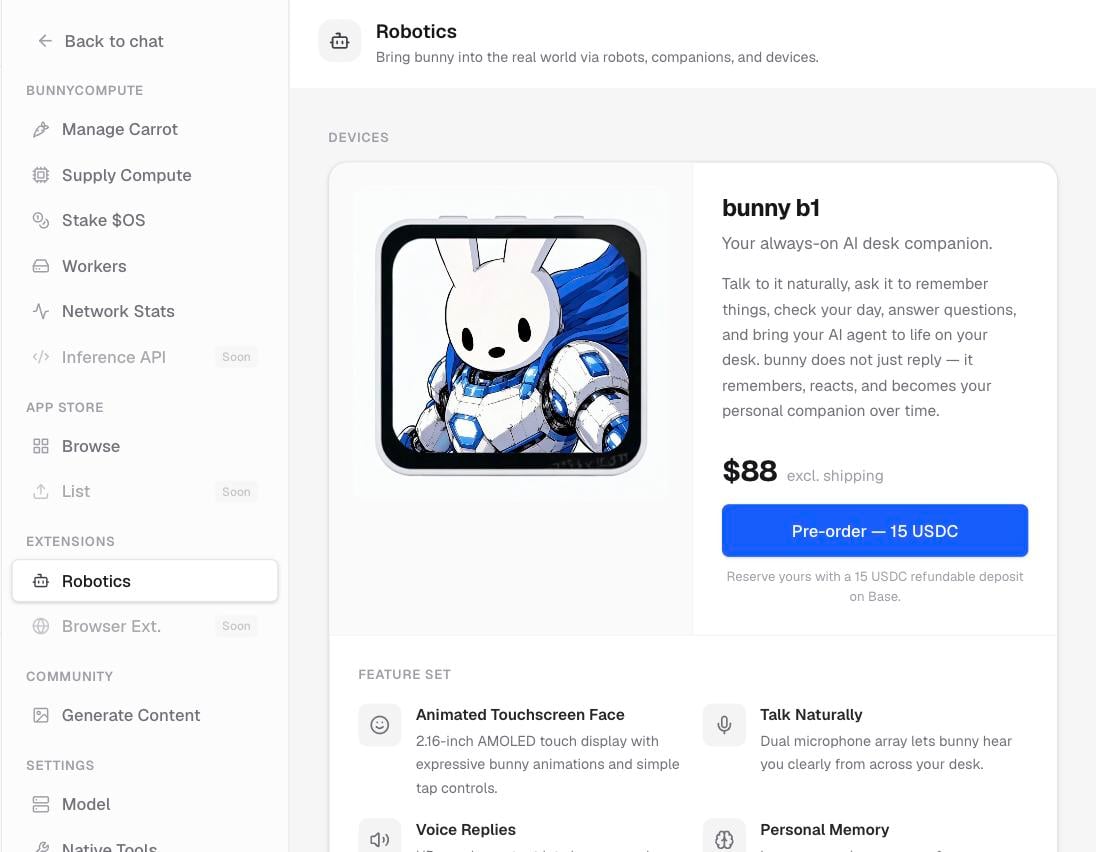
The bunny b1 gallery in Settings.
What bunny b1 is
bunny b1 gives bunny a body. It has:- A touchscreen face that shows expressions.
- Microphones so it can hear you.
- A speaker so it can talk back.
- Memory, so it remembers you over time.
Where to find it
Open Settings › Extensions › Robotics. You will see a gallery of the device and a list of its features.Reserve one
Reserving a bunny b1 takes a small deposit, paid on Base.1
Open the Robotics page
Go to Settings › Extensions › Robotics and browse the gallery and feature list.
2
Connect a wallet
The pre-order is paid on Base, so connect a wallet if you have not already.
3
Pay the deposit
Select Pre-order: 15 USDC to place your reservation.
4
Keep your confirmation
After the payment goes through, you get a confirmation with a link to the transaction.
The deposit is refundable. It holds your place for a device that ships later, and it is not a final purchase.
Related pages
Generate bunny images
Turn a prompt into a bunny image and share it on the wall.
What is bunnyOS?
The big picture of bunny, the app, and the economy.