

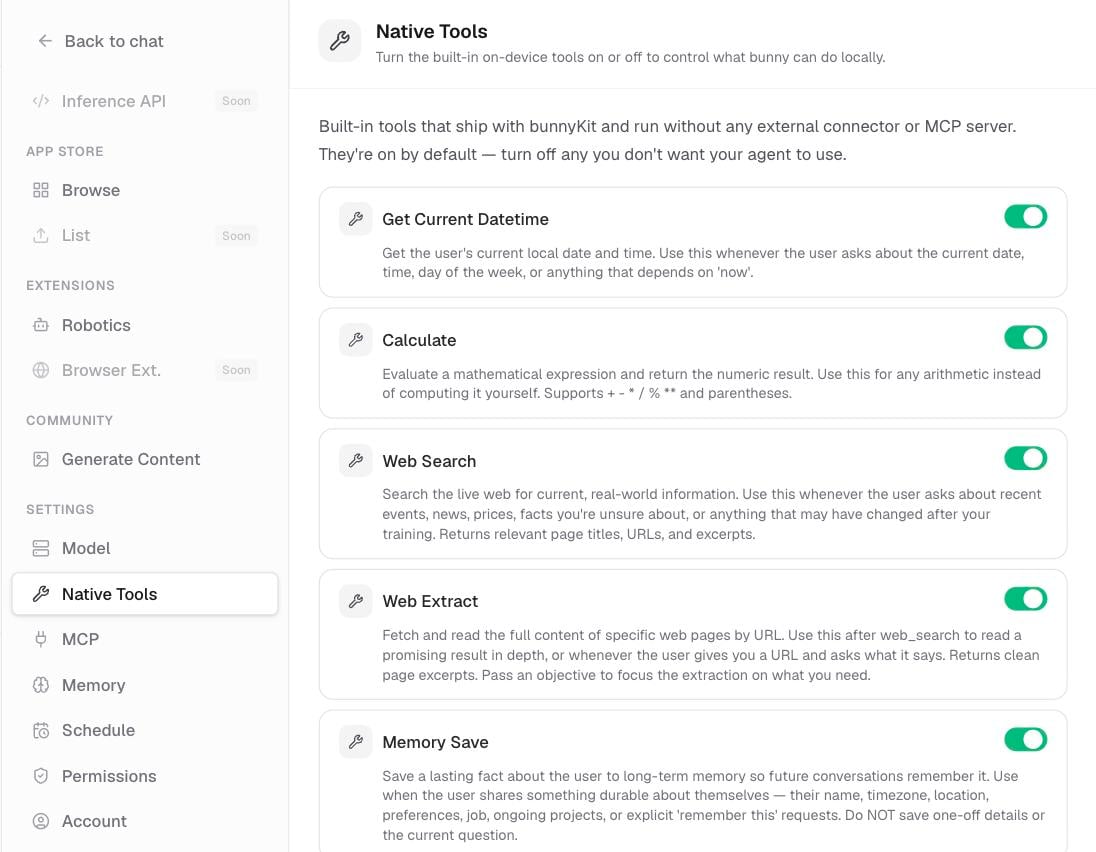
Turn each built-in tool on or off under Settings › Native Tools.
What the built-in tools are
These tools run automatically whenever they are relevant. bunny decides when to use one, calls it, and folds the result into its reply. They are on by default and you do not have to do anything to trigger them.Web search and web read need you to be signed in. Date and time and the calculator work either way.
Turn a tool on or off
Want to keep bunny off the web, or stop it from searching? You can switch any built-in tool on or off.1
Open Settings
Go to Settings › Native Tools.
2
Toggle a tool
Turn any tool off to stop bunny from using it, or back on to allow it again.
Related pages
External connections
Add Gmail, Calendar, and remote tool servers for bunny to use.
Tool approvals
How the approval prompt and Permissions settings work.
Chat with bunny
The composer, replies, history, and the sidebar.