> ## Documentation Index
> Fetch the complete documentation index at: https://docs.bunnyos.ai/llms.txt
> Use this file to discover all available pages before exploring further.
# What is bunnyOS?
> Personalized agent and decentralized inference platform powered by small models.
bunnyOS is a decentralized inference platform for **small language models**, AI compact enough to run on everyday hardware, yet capable today of reasoning, using tools, and taking action.
The inference is served by **bunnyCompute**, a network of computers supplied by people around the world. Rather than route every request to a specialized data center, it spreads the work across ordinary hardware that people already own.
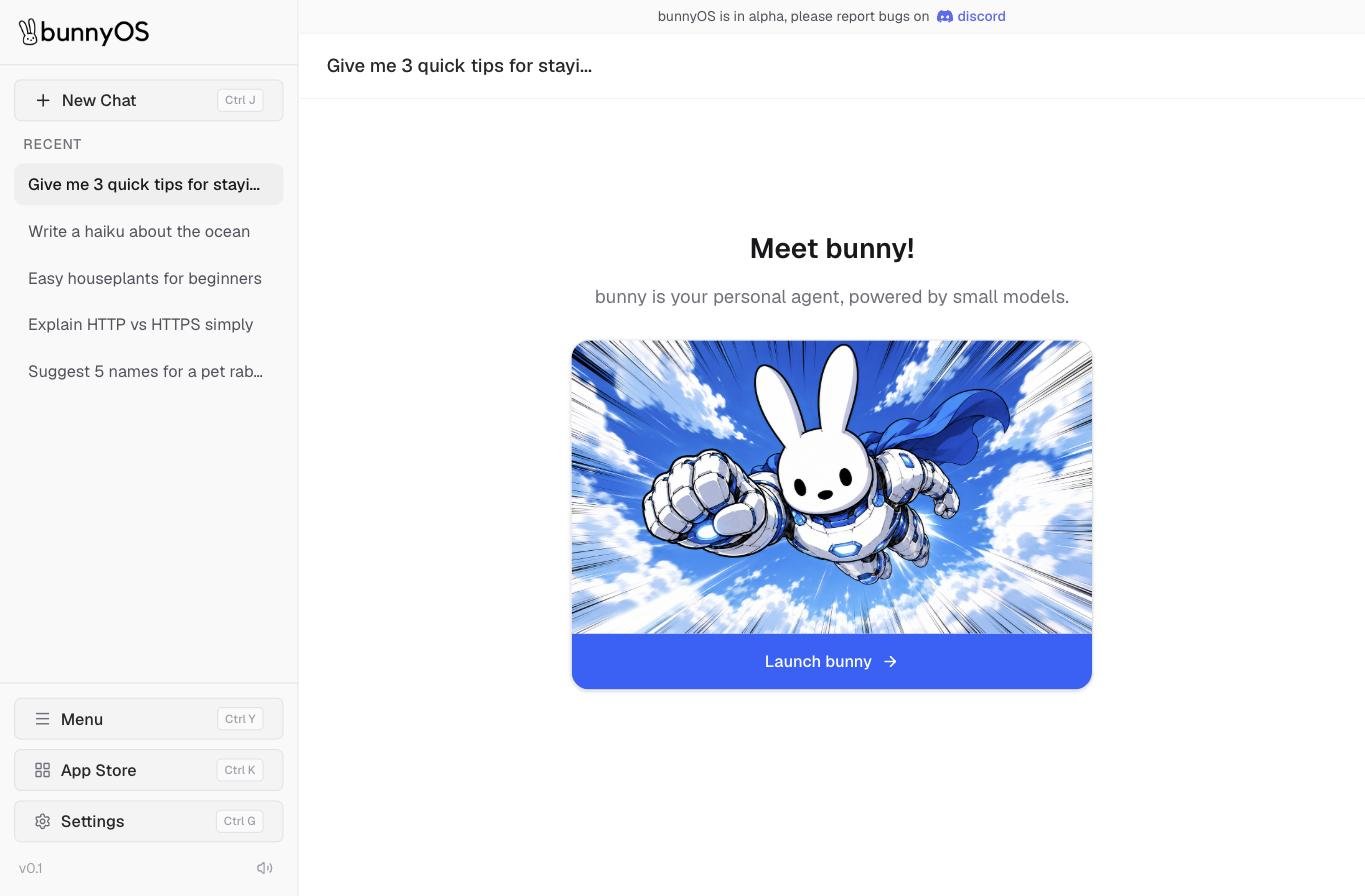
On top of that platform runs **bunny**, your personal AI agent. You chat with it in plain language, and it handles the rest, answering questions, reasoning through a problem, using tools, and taking action for you. You decide where it runs, privately on your own device or in the cloud, and how much it can do on its own.
 You sign in before you start. bunnyOS lets you sign in with a wallet, an email, or a social account. See [Signing in](/user/getting-started/sign-in).
## Why "small models"
Small models are what make the whole platform work. Because a model this light runs on hardware people already own, bunnyCompute can serve it from a decentralized network instead of a data center, and you can run it right on your own device, private and free. Big-model AI can do neither. That is why bunnyOS is built on small models from the ground up.
You sign in before you start. bunnyOS lets you sign in with a wallet, an email, or a social account. See [Signing in](/user/getting-started/sign-in).
## Why "small models"
Small models are what make the whole platform work. Because a model this light runs on hardware people already own, bunnyCompute can serve it from a decentralized network instead of a data center, and you can run it right on your own device, private and free. Big-model AI can do neither. That is why bunnyOS is built on small models from the ground up.
 ## Where bunny runs
bunny can run in two places, and you choose which one to use.
* **On your device.** bunny runs privately on your own computer. It is free, and nothing you say leaves your machine.
* **In the bunnyCompute cloud.** bunny runs on **bunnyCompute**, a network of computers supplied by other people. Each request spends Carrots.
You can switch between them at any time. See [Where bunny runs](/user/chat/on-device-vs-cloud) for the full picture.
## What you can do with bunny
bunny is more than a chat box. You can extend what it can do, one piece at a time.
* **Chat.** Have a conversation with bunny, ask questions, and get things done. See [Chat with bunny](/user/chat/chat-intro).
* **Give it built-in tools.** bunny comes with native tools it can use on its own, and you decide which are on. See [Built-in tools](/user/chat/built-in-tools).
* **Connect your apps and tool servers.** Link accounts like Gmail and Calendar, or connect remote tool servers, so bunny can act across them. See [External connections](/user/chat/connectors-and-servers).
* **Run mini-apps.** Launch **bunnyApps**, small purpose-built apps that run inside bunnyOS. See [About bunnyApps](/user/apps/app-store).
## The economy in brief
**Carrots** are the credit you spend to run bunny in the cloud. New accounts start with a one-time grant of Carrots to get going.
You can also earn more. Contribute your computer's spare compute to bunnyCompute, or stake the `$OS` token, and either one earns you Carrots. See [Carrots & OS explained](/user/carrots/explained) for how it all fits together.
## Take a tour
Start a conversation and see how bunny replies, remembers, and helps.
Run bunny privately on your device or in the bunnyCompute cloud.
Browse the App Store and run mini-apps built for bunnyOS.
Share your computer's power with the network and earn Carrots.
## Related pages
Sign in with a wallet, email, or social account to start using bunny.
The conversation itself: composer, replies, and your chat history.
What Carrots and `$OS` are, and how to get and spend Carrots.
Supply compute to bunnyCompute and earn Carrots for each job.
## Where bunny runs
bunny can run in two places, and you choose which one to use.
* **On your device.** bunny runs privately on your own computer. It is free, and nothing you say leaves your machine.
* **In the bunnyCompute cloud.** bunny runs on **bunnyCompute**, a network of computers supplied by other people. Each request spends Carrots.
You can switch between them at any time. See [Where bunny runs](/user/chat/on-device-vs-cloud) for the full picture.
## What you can do with bunny
bunny is more than a chat box. You can extend what it can do, one piece at a time.
* **Chat.** Have a conversation with bunny, ask questions, and get things done. See [Chat with bunny](/user/chat/chat-intro).
* **Give it built-in tools.** bunny comes with native tools it can use on its own, and you decide which are on. See [Built-in tools](/user/chat/built-in-tools).
* **Connect your apps and tool servers.** Link accounts like Gmail and Calendar, or connect remote tool servers, so bunny can act across them. See [External connections](/user/chat/connectors-and-servers).
* **Run mini-apps.** Launch **bunnyApps**, small purpose-built apps that run inside bunnyOS. See [About bunnyApps](/user/apps/app-store).
## The economy in brief
**Carrots** are the credit you spend to run bunny in the cloud. New accounts start with a one-time grant of Carrots to get going.
You can also earn more. Contribute your computer's spare compute to bunnyCompute, or stake the `$OS` token, and either one earns you Carrots. See [Carrots & OS explained](/user/carrots/explained) for how it all fits together.
## Take a tour
Start a conversation and see how bunny replies, remembers, and helps.
Run bunny privately on your device or in the bunnyCompute cloud.
Browse the App Store and run mini-apps built for bunnyOS.
Share your computer's power with the network and earn Carrots.
## Related pages
Sign in with a wallet, email, or social account to start using bunny.
The conversation itself: composer, replies, and your chat history.
What Carrots and `$OS` are, and how to get and spend Carrots.
Supply compute to bunnyCompute and earn Carrots for each job.